Share Chart
Stockalyze allows you to easily share your charts with others by uploading them to the cloud and generating a shareable link. This feature enables collaboration and discussion about technical analysis with colleagues, friends, or on social media.
Accessing Share Chart
To share a chart, go to 'Chart -> Share Chart' menu item or click the 'Share Chart' button in the Chart Export toolbar. You can also use the keyboard shortcut Ctrl+Shift+S.

Share Chart Tool in the Chart Export toolbar.
Share Chart Dialog
The Share Chart dialog will open, displaying a preview of the chart that will be shared. The chart preview shows exactly how your chart appears in Stockalyze, including all annotations, indicators, and visual elements.
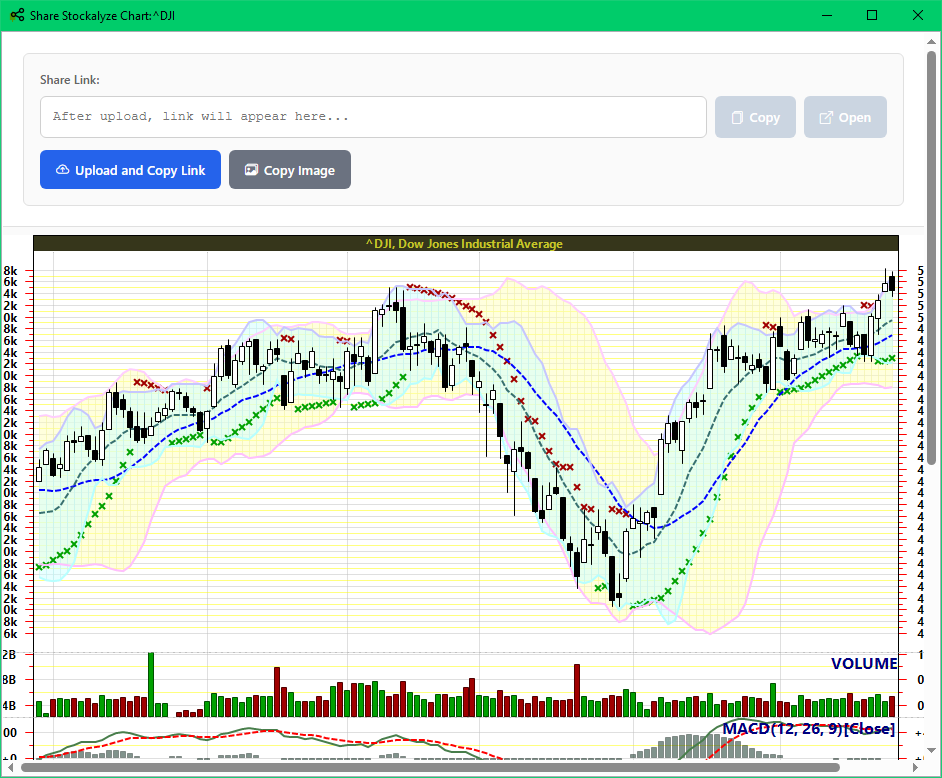
Share Chart Dialog with chart preview and sharing options.
Uploading and Creating Share Link
Once you're satisfied with the chart preview, click the 'Upload and Copy Link' button to upload your chart to the Stockalyze share server. The system will:
- Upload your chart image to the cloud
- Generate a unique shareable link
- Automatically copy the link to your clipboard
Sharing the Link
After successful upload, your chart link will be displayed in the 'Share Link' field and automatically copied to your clipboard. You can now:
- Paste the link in an email to share with colleagues
- Post the link on social media or forums
- Include it in messages or chat applications
- Click 'Copy Link' to manually copy it again
- Click 'Open Link' to view the shared chart in your default web browser
Copying Chart Image
If you prefer to share the chart directly as an image file rather than using a link, you can use the 'Copy Image' button. This copies the chart image to your clipboard, allowing you to:
- Paste it directly into emails or documents
- Paste it into image editing applications
- Upload it manually to your preferred platform
Additional Features
Directly copying chart image
You can directly copy the chart image to your clipboard using the 'Copy Image'. You can do that using the
menu option, or tool button or also the keyboard shortcut Ctrl+C.
All these methods will copy the chart image to clipboard so you can paste it in email, document or image
editing software.
The same methods can also be used to copy Point and Figure chart images to clipboard.

Point and Figure Charts
The Share Chart feature also works with Point and Figure charts. Simply navigate to a Point and Figure chart and use the same menu option or keyboard shortcut to share it. The process is identical to sharing regular charts.
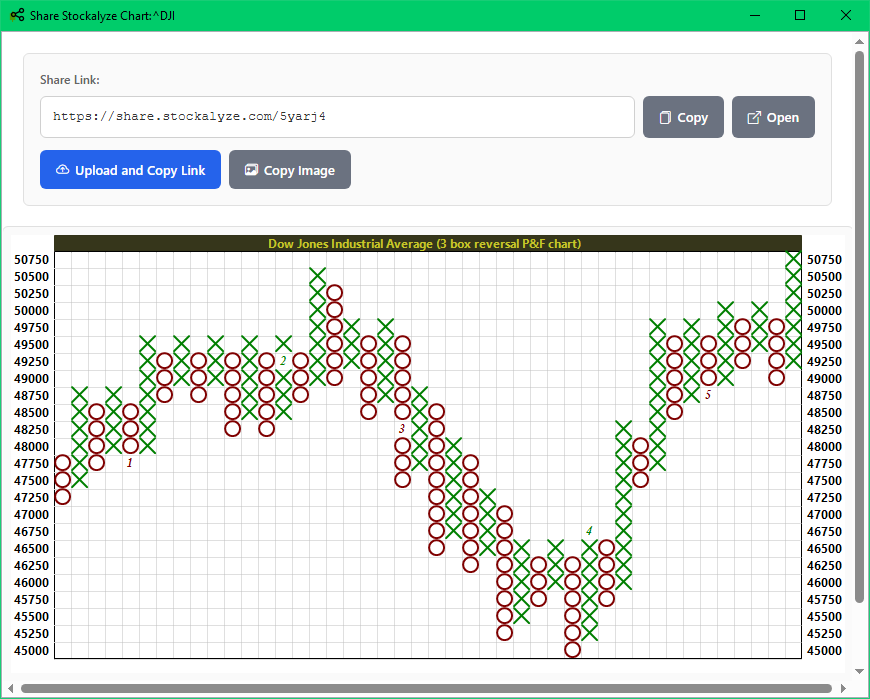
Share Point and Figure chart.
Troubleshooting
Upload Failed: If you encounter an upload error, check your internet connection and try again.
 Stockalyze Help Manual